What Is a Flight Availability Notification for Members

What Is a Flight Availability Notification for Members
A flight availability notification is an automated alert sent to you the moment an operator publishes an empty-leg flight that matches your saved preferences. It contains the route, estimated departure and arrival window, aircraft type or tail number, seat count, price or price status, a published flag confirming the leg is live, and any operator verification tag. These are not passive updates. They are time-sensitive signals that require a fast decision.
Every notification you receive should carry these core fields:
- Route (origin and destination airports, ICAO or IATA codes)
- ETD/ETA window (estimated departure and arrival times)
- Aircraft category or tail number (e.g., Learjet 60)
- Price or price status (fixed amount or “call for quote”)
- Published flag (confirms the leg is currently live on the marketplace)
- Verification tag (operator-verified or unverified)
Pro Tip: Treat every alert as a background opportunity, not a confirmed itinerary. The window between publish and booking can close in minutes on high-demand routes.
Table of Contents
- How does a flight availability notification actually reach you?
- Why speed is everything when an empty leg drops
- Which notification channels give you the fastest, most reliable alerts?
- Key Takeaways
- The smarter way to think about these alerts
- Bluebirdjets membership puts you first in line
- Useful sources for deeper reading
How does a flight availability notification actually reach you?
The flow runs from operator schedule to your phone in a chain of connected systems. When an operator enters a positioning flight into their flight management system (FMS), platforms connected to that FMS detect the empty leg automatically and publish it to the marketplace. That publish event triggers watchlist checks across all subscribed members. Any member whose saved criteria match the leg receives a notification.
The technical backbone is a webhook and watchlist model. On platforms like Avinode, the implementation follows four steps: configure webhook settings for the EmptyLegs event, create an empty-leg watch, perform an initial GET request to pull all current matches, then process delta updates as operators publish or unpublish legs. A published:true response means the leg is live. A published:false or an HTTP 404 means it has been removed and must be cleared from your watchlist immediately.
Operator actions drive the reliability of what you see. When an operator publishes or unpublishes a leg on a platform like PlaneConnection, the change is immediate for marketplace visibility. The fields exposed include route, tail number, date, flight time, seats, pricing rule, price, and status. Verified listings carry an additional trust signal that unverified ones lack.
| Event | Published flag | Price field | Verification tag | Member action |
|---|---|---|---|---|
| Operator publishes leg | true |
Present or “call for quote” | Unverified | Alert sent; review details |
| Operator verifies listing | true |
Usually present | Verified | Higher confidence to proceed |
| Operator unpublishes leg | false |
Cleared | N/A | Remove from watchlist |
| HTTP 404 on lookup | N/A | N/A | N/A | Treat as removed |
For alerts to stay accurate, the receiving system must respond with a 200 HTTP acknowledgement, process delta updates promptly, and remove unpublished legs from visible inventory without delay.
Pro Tip: Narrow watchlists by aircraft category and a two-to-three airport radius rather than a single airport. You get higher signal and fewer stale pings.
Why speed is everything when an empty leg drops
Speed is the single most decisive factor in securing an empty leg. Empty legs typically appear 1–7 days before departure, though some surface up to 14 days out. On popular routes, available seats can disappear within hours of the notification going out.

Latency kills deals. Marketplace lag from manual publishing, delayed webhook processing, or stale public listings means the leg you see may already be gone. Public listings in particular can lag behind real availability, and clicking through to a stale listing often returns a 404 or an “unavailable” status. The cost is not just a missed flight. It is wasted time chasing a ghost.
The fastest delivery path is in-app push notification combined with SMS. Email is slower and easier to miss in a busy inbox. For any route where you would genuinely fly on short notice, push and SMS are the only channels worth relying on.
Pro Tip: If you receive an alert via email and more than 30 minutes have passed since the timestamp, verify the published status before you do anything else.
Which notification channels give you the fastest, most reliable alerts?
Choose your delivery channel based on how fast you need to respond. Push notifications and SMS are for legs where minutes matter. Email works for lower-urgency monitoring or as a backup record.
| Channel | Speed | Noise level | Click-to-verify | Best for |
|---|---|---|---|---|
| In-app push | Seconds | Low | Yes | High-priority routes |
| SMS | Seconds | Low | Partial | Backup to push |
| Minutes | Medium | Yes | Record-keeping | |
| Webhook (API) | Milliseconds | Very low | Programmatic | Platform integrations |
Alert features for registered users are standard across aggregator marketplaces, but the quality of the notification varies. Look for alerts that include a timestamp, the published flag, a verification badge, and a tail number. An alert missing the tail number or timestamp is harder to act on quickly.
Real-world implementations like JetASAP’s TripMATCH show that targeted email alerts tied to saved route preferences can surface discounted legs and one-ways, though many listings show “call for quote” rather than a fixed price, which adds friction.
Pro Tip: On your phone, whitelist the Bluebirdjets app for push notifications, add the SMS number to your contacts, and set both to bypass Do Not Disturb during travel windows.
Key Takeaways
A flight availability notification is only as valuable as your ability to act on it within minutes. Speed, verified listings, and pre-configured watchlists determine whether you fly or miss the window.
| Point | Details |
|---|---|
| Speed determines outcomes | Empty legs on popular routes can close within hours; push and SMS alerts are the only reliable channels. |
| Verified listings save time | Operator-verified alerts with a fixed price reduce friction and wasted inquiry time significantly. |
| Watchlist configuration matters | Set multi-airport radius, flexible dates, and aircraft category filters before you need a flight. |
| Failure modes are real | Stale listings, 404s, and primary charter changes can kill a leg after the alert goes out. |
| Bluebirdjets membership | Priority queue, concierge verification, and Skip-the-Line convert alerts into booked flights faster. |
The smarter way to think about these alerts
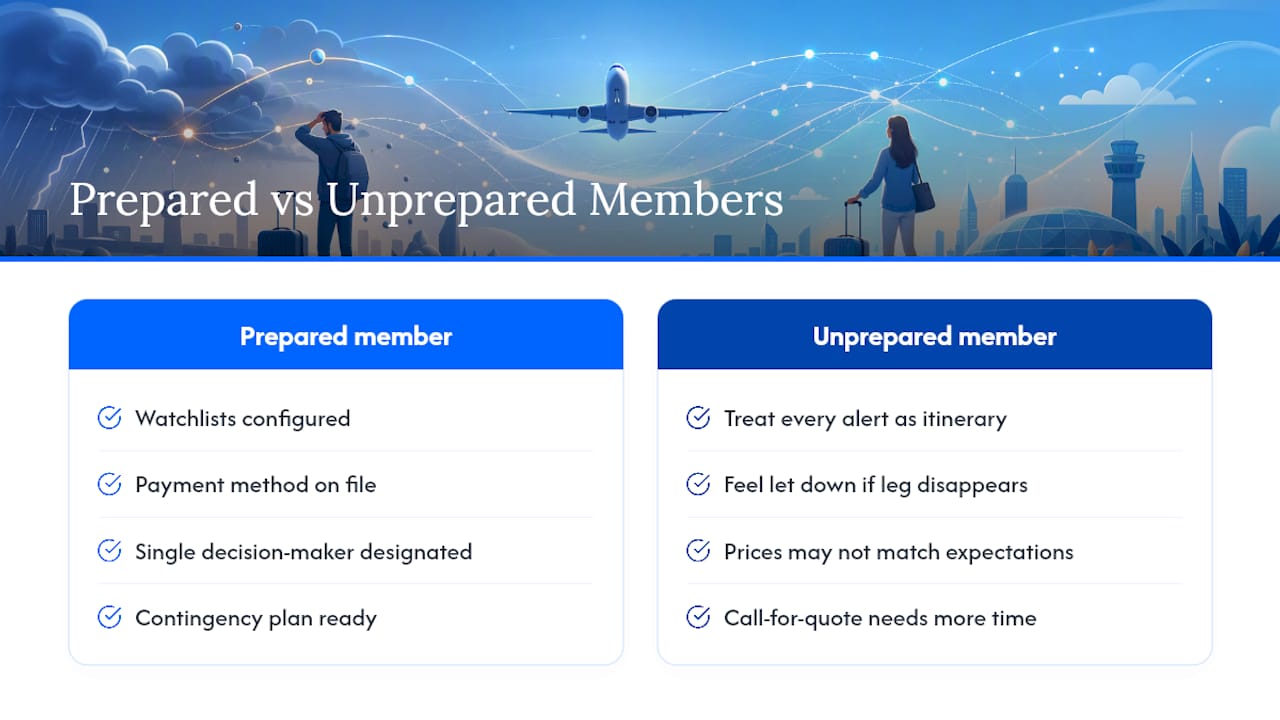
Most members make the same mistake: they treat every alert as a potential itinerary and then feel let down when the leg disappears or the price is not what they expected. That is the wrong frame.
A flight availability notification is a background signal, not a commitment. The members who convert the most empty legs are the ones who have already done the setup work: watchlists configured, payment on file, a single decision-maker designated, and a contingency plan ready. When the alert arrives, the decision takes 90 seconds because everything else is already in place.
The other thing worth saying plainly: verified listings with fixed prices are materially different from “call for quote” alerts. The latter are not bad, but they require more time and more back-and-forth. If your schedule is tight, filter for fixed-price, verified legs first and treat “call for quote” as a secondary tier.
Bluebirdjets membership is built around exactly this model: live inventory, priority access, and concierge support that handles the verification step so you can focus on the decision.
Bluebirdjets membership puts you first in line
Most empty-leg alerts go to everyone at once. The difference between booking and missing is not luck. It is position. Bluebirdjets members get priority queue access, concierge-verified listings, and Skip-the-Line options that put them ahead of the general market the moment a leg publishes.
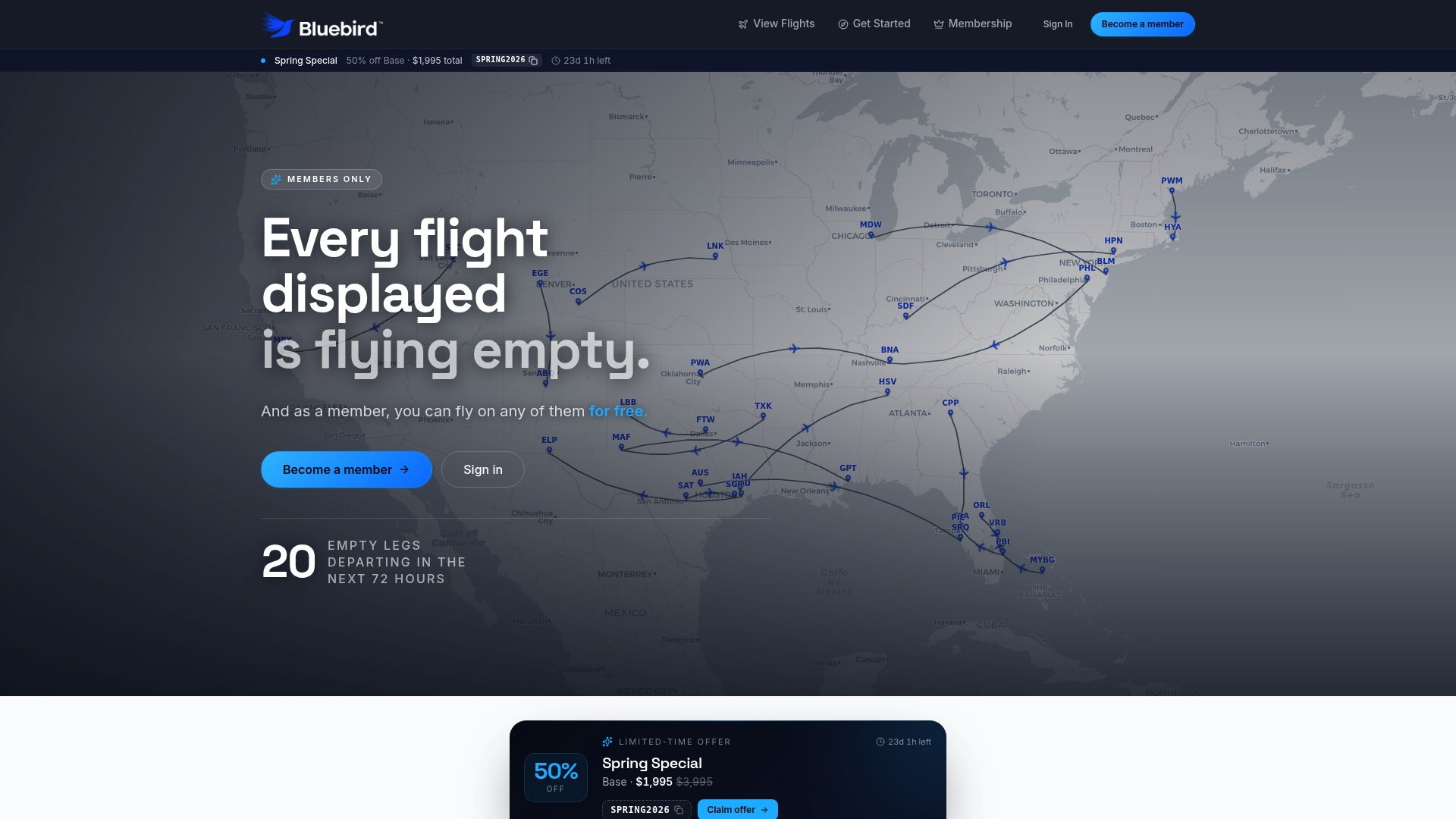
The membership covers unlimited empty-leg access on operator-owned Learjet 60 jets, up to six guests per flight, live daily-updated inventory, and pre-prepared booking flows that cut the time from alert to confirmed seat. When a high-demand route drops, your priority tier determines whether you fly. Explore membership options and see current available legs at Bluebirdjets flights.
Useful sources for deeper reading
- End client — Empty leg subscription | Avinode Developer
- How to Manage Empty Legs — PlaneConnection Docs
- JetASAP Releases New App Feature, TripMATCH, that Allows Private Flyers to Receive Targeted Notifications for Discounted Private Jet Flights, which include Empty Legs and Must Move Aircraft
- Empty Legs Explained: Fly Private at a Fraction of the Price | JetOpti
- Find a private jet empty leg quickly (2026) — Private Jets Connect
- Empty Leg Flights: How They Work and How to Book One | Peak Aviation Solutions
- Private Jet Empty Legs: The Complete Guide | AeroCorner